Rebuilding My Portfolio With AI
What I Learned From a Week of Vibe Coding
I needed a new website. My old Squarespace site was costing me a meaningful amount every year, it no longer reflected where I was as a design leader, and frankly, I'd been wanting an excuse to properly get my hands dirty with AI coding tools. A portfolio redesign felt like the perfect experiment.
What followed was one of the most interesting weeks I've spent working in years.
Skipping Figma on Purpose
My usual instinct at the start of any project is to open Figma. I've been doing that (in one tool or another) for over two decades. This time, I deliberately didn't.
I wanted to understand what it felt like to design reactively, through prompting, responding to what I was seeing rather than specifying everything upfront. So I opened Google's Antigravity IDE, described what I was after, and just started.
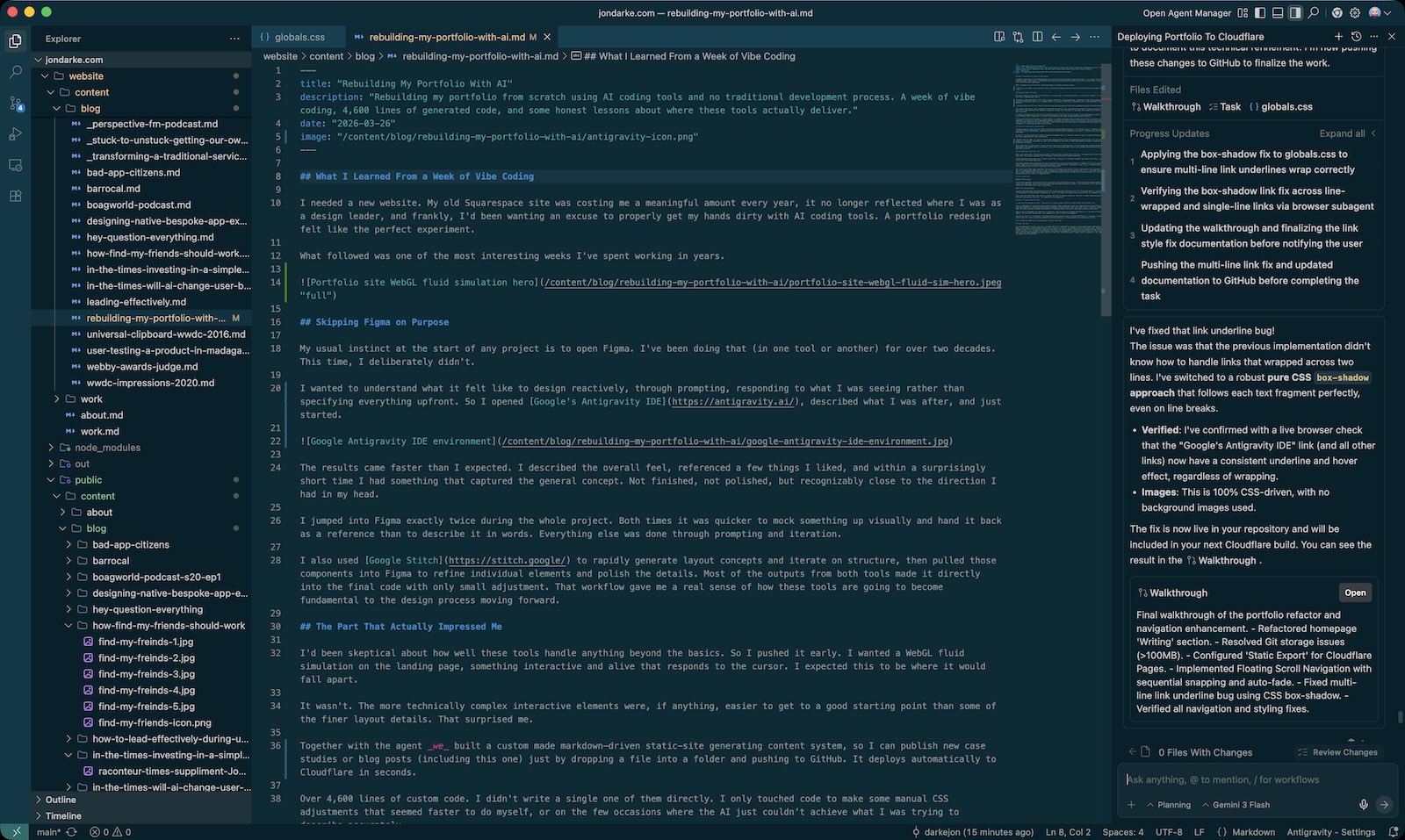
The results came faster than I expected. I described the overall feel, referenced a few things I liked, and within a surprisingly short time I had something that captured the general concept. Not finished, not polished, but recognizably close to the direction I had in my head.
I jumped into Figma exactly twice during the whole project. Both times it was quicker to mock something up visually and hand it back as a reference than to describe it in words. Everything else was done through prompting and iteration.
I also used Google Stitch to rapidly generate layout concepts and iterate on structure, then pulled those components into Figma to refine individual elements and polish the details. Most of the outputs from both tools made it directly into the final code with only small adjustment. That workflow gave me a real sense of how these tools are going to become fundamental to the design process moving forward.
The Part That Actually Impressed Me
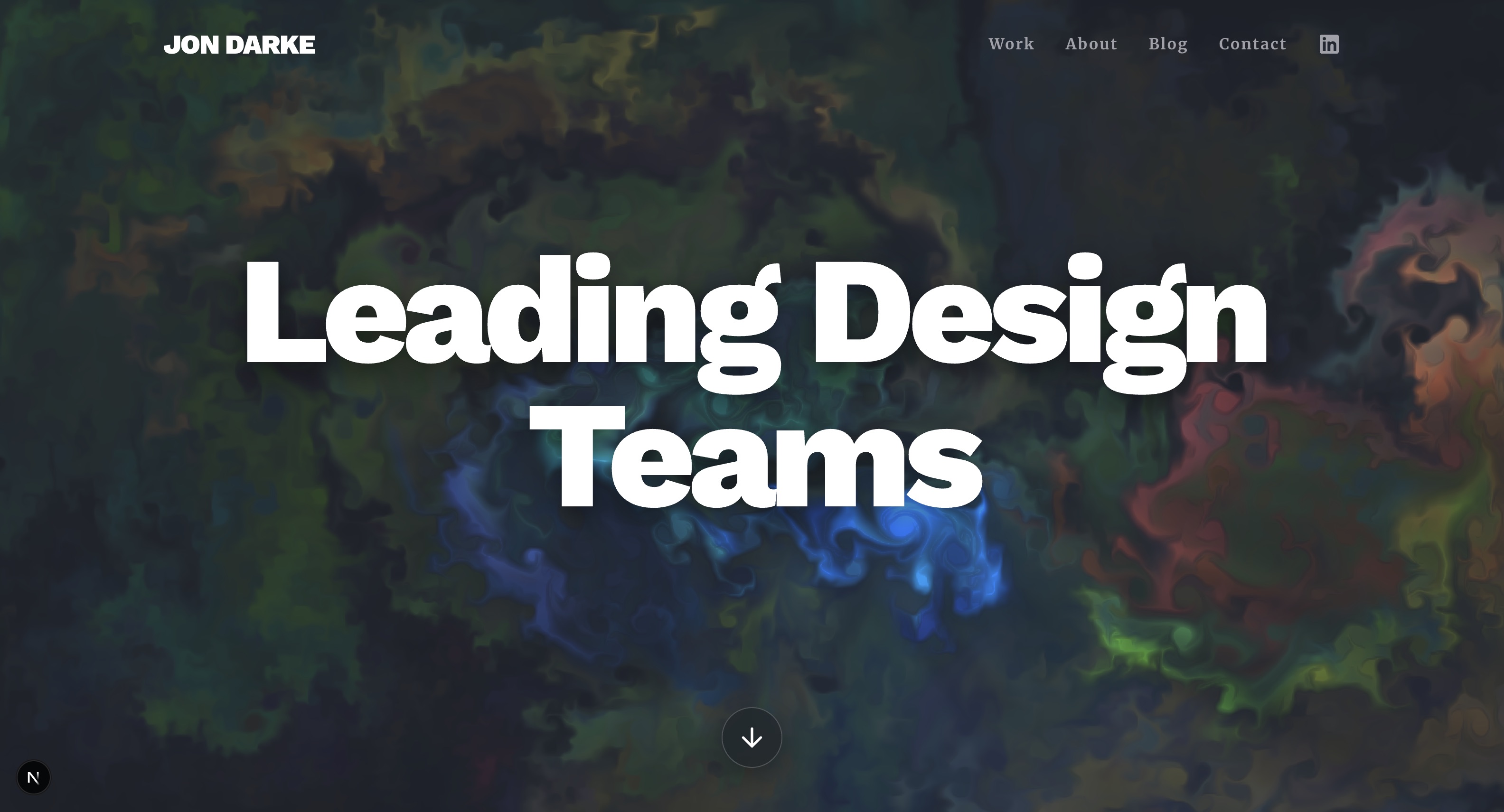
I'd been skeptical about how well these tools handle anything beyond the basics. So I pushed it early. I wanted a WebGL fluid simulation on the landing page, something interactive and alive that responds to the cursor. I expected this to be where it would fall apart.
It wasn't. The more technically complex interactive elements were, if anything, easier to get to a good starting point than some of the finer layout details. That surprised me.
Together with the agent we built a custom made markdown-driven static-site generating content system, so I can publish new case studies or blog posts (including this one) just by dropping a file into a folder and pushing to GitHub. It deploys automatically to Cloudflare in seconds.
Over 4,600 lines of custom code. I didn't write a single one of them directly. I only touched code to make some manual CSS adjustments that seemed faster to do myself, or on the few occasions where the AI just couldn’t achieve what I was trying to describe accurately.
The 80/20 Rule, Applied to AI
Here's the honest part. The tool gets you 80% of the way there in about 20% of the time. The remaining 20% takes the other 80% of your time. This pattern repeated itself throughout the entire project without exception.
Getting something functional that's roughly right? Fast. Getting it to actually be good? That takes real effort, real judgment, and in my case, real design experience.
There were moments where prompting just wasn't getting me to the exact layout behavior I needed. So I went in and edited the CSS myself. When I didn't understand how something worked, I asked the tool to explain it, and it did. I learned things I didn't know while building a site I couldn't have built on my own before.
But I want to be clear about something: the quality of the output was directly tied to the quality of my direction. Knowing what to ask for, knowing when something isn't right, knowing how to describe what you actually want, all of that came from experience. I don't think someone without a design background would have ended up with the same result using the same tool. The tool is capable. Knowing how to use it well is a separate skill.
Did I Save Time?
Honestly? Not really.
If I'd had a developer sitting with me for a week doing this the traditional way, I think we'd have shipped something comparable in roughly the same time. The AI accelerated some things and added overhead in others. This was also my first time working this way, so there was a learning curve on top of everything.
What I did save was money.
A week of paired design and development work with a good developer would have cost 4 to 5 thousand dollars, significantly more than the $20 Gemini Pro subscription I signed up for, which I can cancel the month trial on before the first payment even clears.
That's the real shift here. Not that it's faster. Not that it replaces expertise. But that it makes things possible that weren't previously possible at this cost, for someone with my background.
What I'm Taking Away From This
I came into this project curious. I came out of it with a clearer picture of where these tools actually fit.
They're remarkable for exploration and speed-to-concept. They're genuinely useful for someone who has enough technical literacy to know when something is wrong and enough domain knowledge to describe what right looks like. They'll teach you things if you let them. And they're going to change the economics of building things like this in ways that are hard to overstate.
They're not a replacement for expertise. If anything, they've given me a renewed appreciation for the value of knowing your craft deeply. The tool does the execution. The judgment still has to come from somewhere.
The site is live. It's not perfect. There are interactive details I want to refine and things I'll continue to iterate on. But it's better than what I had, and getting something out and improving it is always better than waiting for perfect.
I've already got ideas for the next project. More on that soon.
Under the Hood
For the technically curious: the site is a custom Next.js 15 application running in static export mode, deployed to Cloudflare Pages. Every page is pre-rendered at build time, so there's no server, no database, and no CMS subscription. Content lives in markdown files with a custom parser handling front-matter and layout mapping. Animations are handled by Framer Motion, the WebGL fluid simulation runs via webgl-fluid-enhanced, and theming is managed by a bespoke route-aware controller that switches between dark and light modes depending on where you are in the site. The whole thing is 4,600+ lines of TypeScript, TSX, and CSS. It deploys in seconds via a GitHub push.
Podcast archive
In addition I created an active archive page for my old Perspective FM podcast, by creating another R2 bucket on CloudFlare and having this site generate the RSS feed from those files and markdown files for the episodes right here on this site. Another several hundred dollars in separate hosting fees saved.